Quick Start
1. Materialise a build plan
hypha reads dist-newstyle/cache/plan.json to learn which versions your
project builds against. Generate it with a dry-run build:
cd /path/to/your-cabal-project
cabal build --dry-run        # writes dist-newstyle/cache/plan.json
2. Query a symbol — compact YAML
hypha symbol aeson/Data.Aeson/encode
actions:
  module_index: hypha module aeson/Data.Aeson
  package_info: hypha package aeson
  view_source: hypha source aeson/Data.Aeson/encode
result:
  haddock_raw: " Efficiently serialize a JSON value as a lazy 'L.ByteString'.\n\n This is implemented in terms of the 'ToJSON' class's 'toEncoding' method."
  kind: function
  module: Data.Aeson
  name: encode
  package: aeson
  signature: "encode :: (ToJSON a) => a -> L.ByteString"
  version: '2.2.5.0'
YAML is the default output: compact, readable in a terminal, and cheap
for an agent to parse. The top level is just result: (the answer) and
actions: (suggested follow-up commands). Keys are emitted in sorted
order, which is why actions: comes first — do not rely on field order,
rely on the field names.
A symbol whose definition lives in another module gains a defined_in:
block naming it; encode is declared where it is exported, so there is
none here.
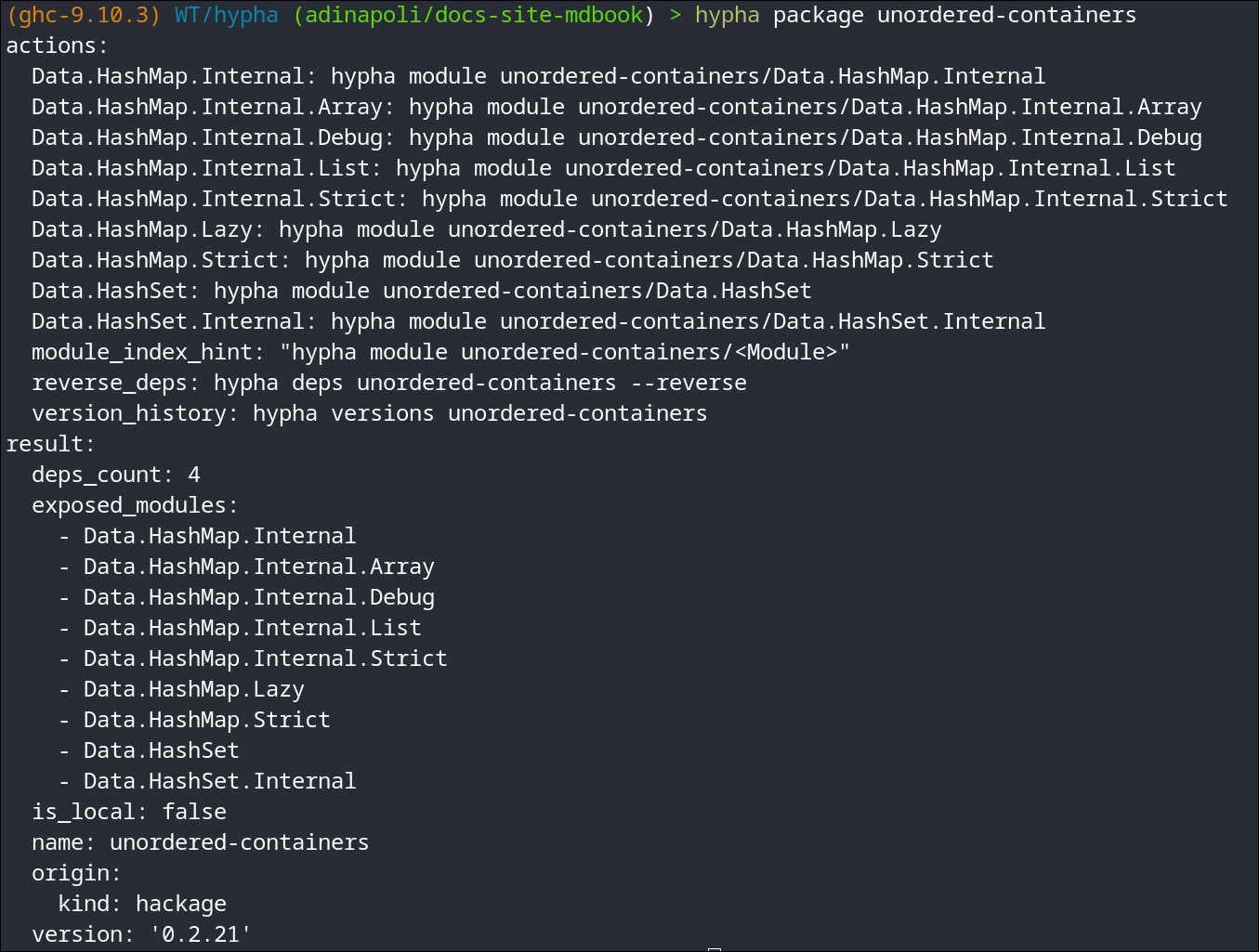
3. Project only the fields you need
hypha symbol async/Control.Concurrent.Async/concurrently --select signature,haddock
--select post-filters the output to the listed fields; --full opts into
every field. See Global Flags.
4. JSON for machine pipelines
When a downstream tool wants JSON, opt in with --json:
hypha symbol async/Control.Concurrent.Async/concurrently --json
Next steps
- Learn the Identifier Syntax (
pkg,pkg-version, module, symbol). - Browse all Subcommands.
- Use
hypha lookupwhen you don't know which package provides a name or type.